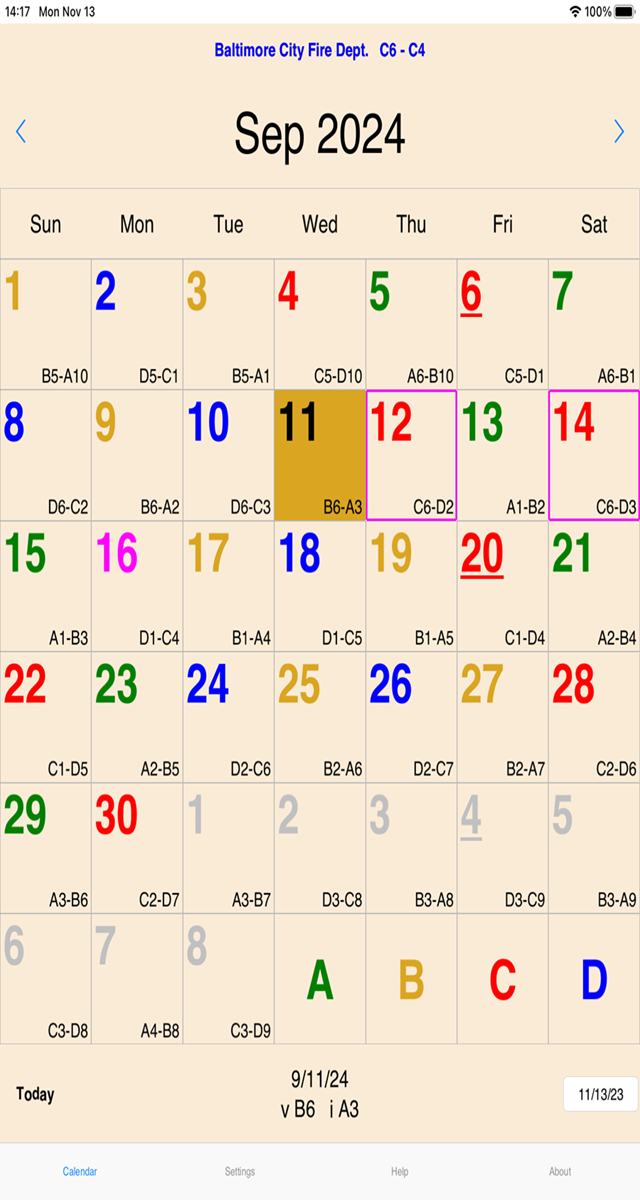
Downloads
To make the following .ini file the default, download the file and save it with the filename "shiftcal.ini" in the data directory.
See Where are my .ini files? for more details.
| Local 734 | bcfd-734.ini |
| Local 964 | bcfd-964.ini |
I finally realized that I've been doing it wrong all these years.
I have used a couple of varations of color assignments for the various shifts over the years; hopefully users have found it fairly convenient to assign their preferred colors.
I finally compared the online calendars posted by each Local (734 and 964) and I realized that the colors for "C" and "D" shifts are switched.
The updated versions of the mobile apps (Android and iOS) will default to the colors that appear on each Local's web site.
Local 734 uses the following color assignments:
A-Shift: RedB-Shift: Gold
C-Shift: Green
D-Shift: Blue
Local 964 uses the following color assignments:
A-Shift: RedB-Shift: Gold
C-Shift: Blue
D-Shift: Green
As always, the member will have the option to assign any colors he/she prefers.
| Local 734 | 2026 |
| Local 964 | 2026 |
Available on Google Play
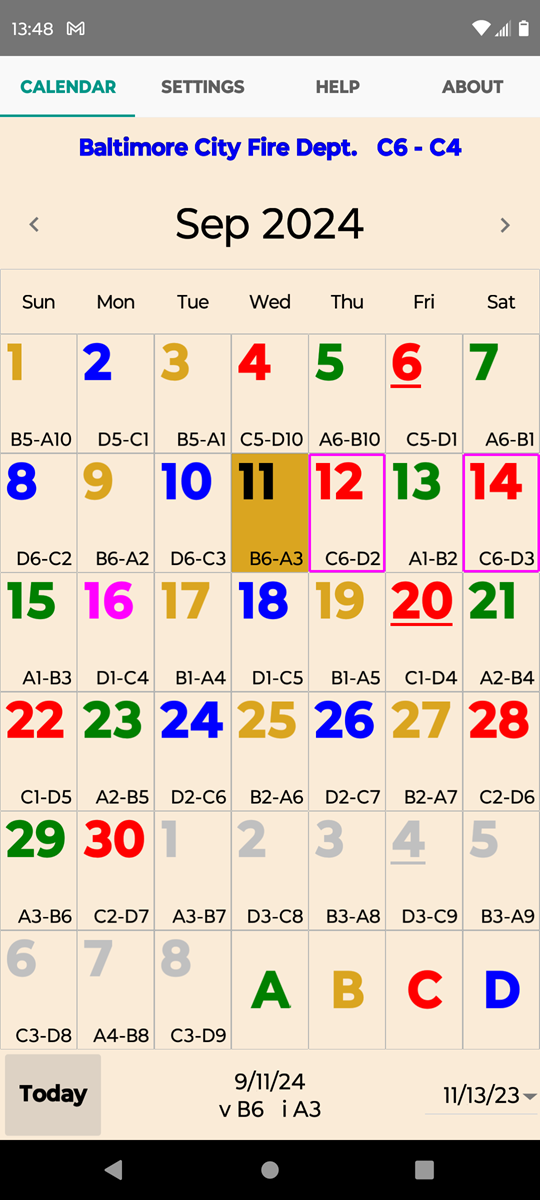 - -
- -
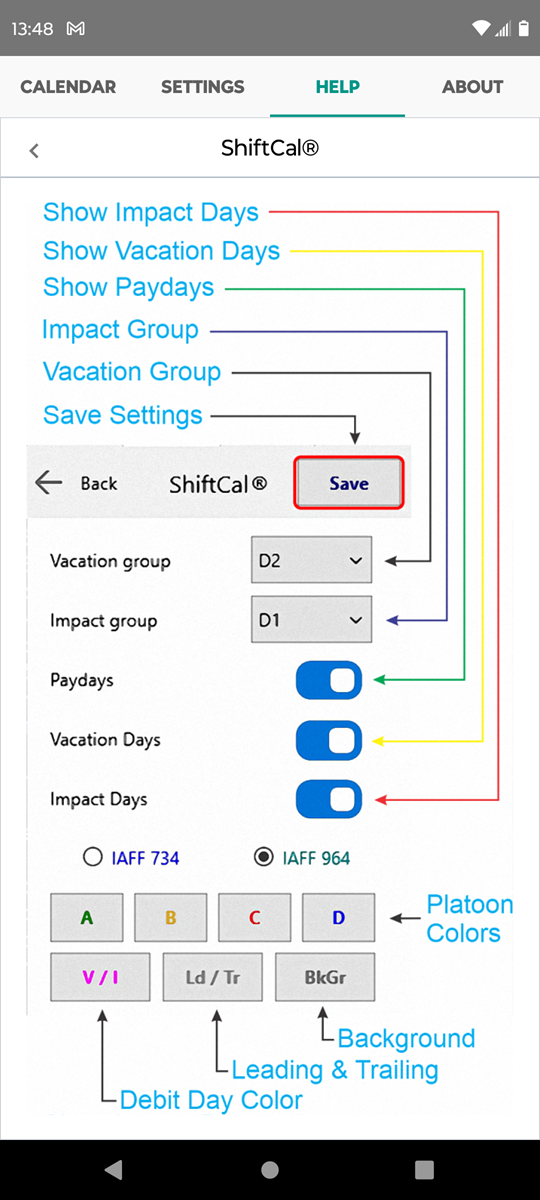
-
Available in the App Store